Back to Basics: Object Animation

Intro:

This post is about animating non-organic objects: a catapult and a locomotive. This did come from the Introducing Autodesk Maya 2013 book. I didn’t have the fortune to take a class on this.While most object animation seems straight forward, for example, placing the pivot point in the right spot and rotating said object like a door, there are other tools and ways to accomplish what you need.

Process:

First, I tried my hand at animating the catapult using a Bend deformer. Which makes sense because with enough force, like gravity, objects that are seemingly rigid and solid will bend and expel energy to launch things. Some other examples that come to mind are tree branches when they’re pulled back, or even hockey sticks while taking a slap shot (okay, okay… that’s friction using the ice, but you get some wicked bends).

Back to the catapult. Basically, one can attach a deformer to any object. In this case, it is the basket and the beam, which were all grouped together and the deformer is attached to the group. When it is set up, you can play with the Curvature attribute and key it appropriately. Keying the curvature and rotations of the beam, and later the movement of the base, I was able to create something with plenty of secondary action and believable motion.

Using the Bend Deformer

Later, the chapter goes over how to rig and how to handle multiple wheels and arms and have them all work together all from manipulating one wheel. Long story short, you are connecting (via the Connection Editor) the rotation of the wheels to the rotation of the main wheel you will control, and control alone, which is the middle wheel on one side. Next is to connect the wheel arms. Set up joints, root being at the middle wheel, tip up front. To keep the arm in place, an IK Handle is used. And then to connect that arm to the pump arm, you use a Point Constraint. Lather, rinse, repeat for the other arm on that side, but reverse in terms of joints and IK Handle. Repeat for the other side.


Conclusion:

Ultimately, I got it to work. I can manipulate the wheels and arms using only that middle wheel. Unfortunately, I refused to make an animated sequence out of it because one minor thing stopped me: the two arms run into each other and pass through each other. I’m pretty sure they aren’t supposed to do that. I would not be surprised if the model itself is a little inaccurate. I guess I will have to, one day, trek to a rail yard and scope how the arms attach. Or look at pictures. I prefer the real thing, though.
Back to Basics – Texturing + UV Mapping

Intro:

To be honest, I haven’t been all that into doing other 3D assets besides animation. Modeling, texturing, and lighting didn’t really interest me. I took classes on all of them, but I really couldn’t get into it. All those subjects have confused me. I don’t know if it was because I missed something in the learning process that would have made it all “snap together” for me. Which is usually the case.

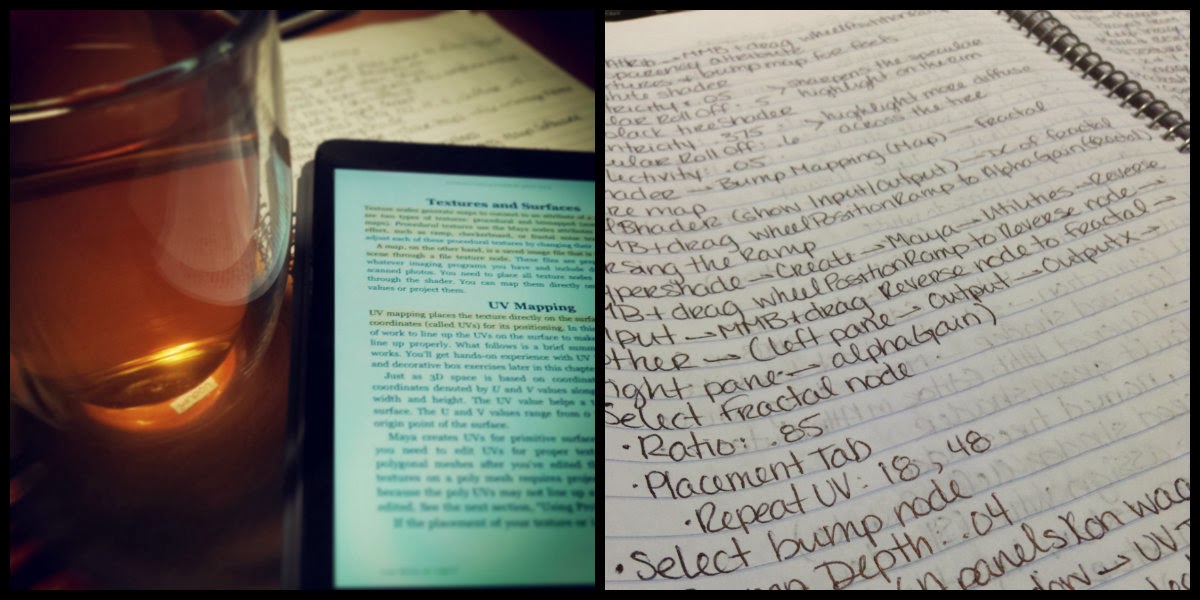
So, for a long while, I had a digital copy of Introducing Autodesk Maya 2013 and I figured that I should sit through it and relearn everything I missed the first time, hoping that I could enjoy the process and have it click for me because I followed some video tutorials and it was excruciating. I’m starting to think that I learn better from books than listening to a lecture.

Process:

The text (Chapter 7) starts off explaining the standard shaders found in Maya, what attributes they have and an example of what kind of objects would best suit that shader. For example:

Lambert: dull or matte surfaces – like a sheet of paper.
Phong: glossy surfaces – plastics, glass, and most metals.
Blinn: super shiny and metallic surfaces.
Anisotropic: surfaces that are deformed – foil wrapper or warped plastic.

Then it goes into using this knowledge towards texturing a table lamp. Nothing fancy. Just basic shaders and fudging a metal look to metallic parts (using a Phong shader and attaching a Env Chrome texture to the Reflected Color attribue). In the end, all the steps the lamp looks like the lamp to the right.

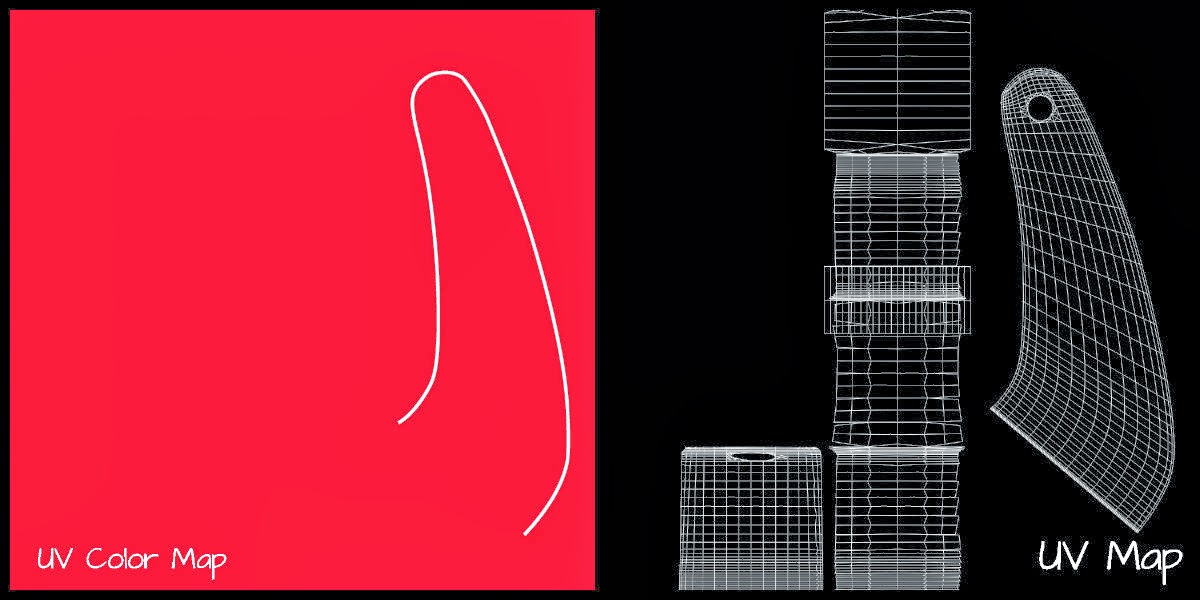
The next section covers the basics of UV Mapping on a children’s red wagon. First, I set up initial shaders, reflecting their correct colors, and assigning them to the correct parts of the wagon. Next, was to figure out the wheels since they are just one object with two colors and two physical textures to replicate, which was solved using a Ramp shader coupled with a Layered shader and a Bump map connected to the right node to complete the effect.

After that, the text guides you into UVs for the panels where I was able to create my own artwork using Illustrator and Photoshop (which will appear in a little bit), how to flip and duplicate maps, and later how to do this with the logos on the side panels. And finally, how to place and manipulate the wood texture using Maya’s own wood texture.

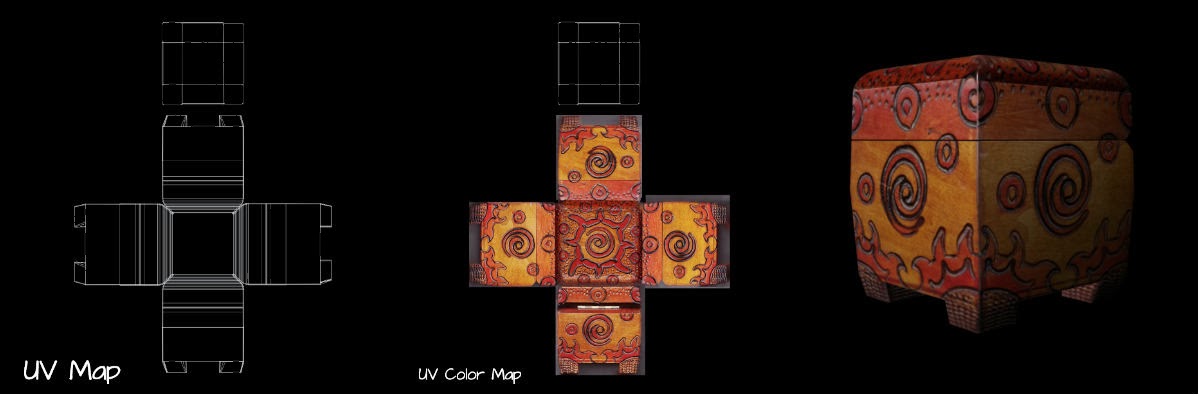
Lastly, the chapter concludes with how to do photorealistic mapping of a decorative box. Basically, it follows the directions of the wagon but uses actual pictures to place on the UV Map. Ultimately, this part of the chapter dealt more with manipulating in Photoshop and UV nodes in Maya. A lot of give and take.

Conclusion: 

I didn’t find the process confusing or intimidating anymore, which is good. I plan on expanding on this in other ways, whether it is through more, in-depth tutorials or just jumping in on my own. I think that when I do my own process (not following a tutorial) I will write up the directions of the process because I don’t want to take away the hard work of the author.